Demo
Finance
Finance Suite
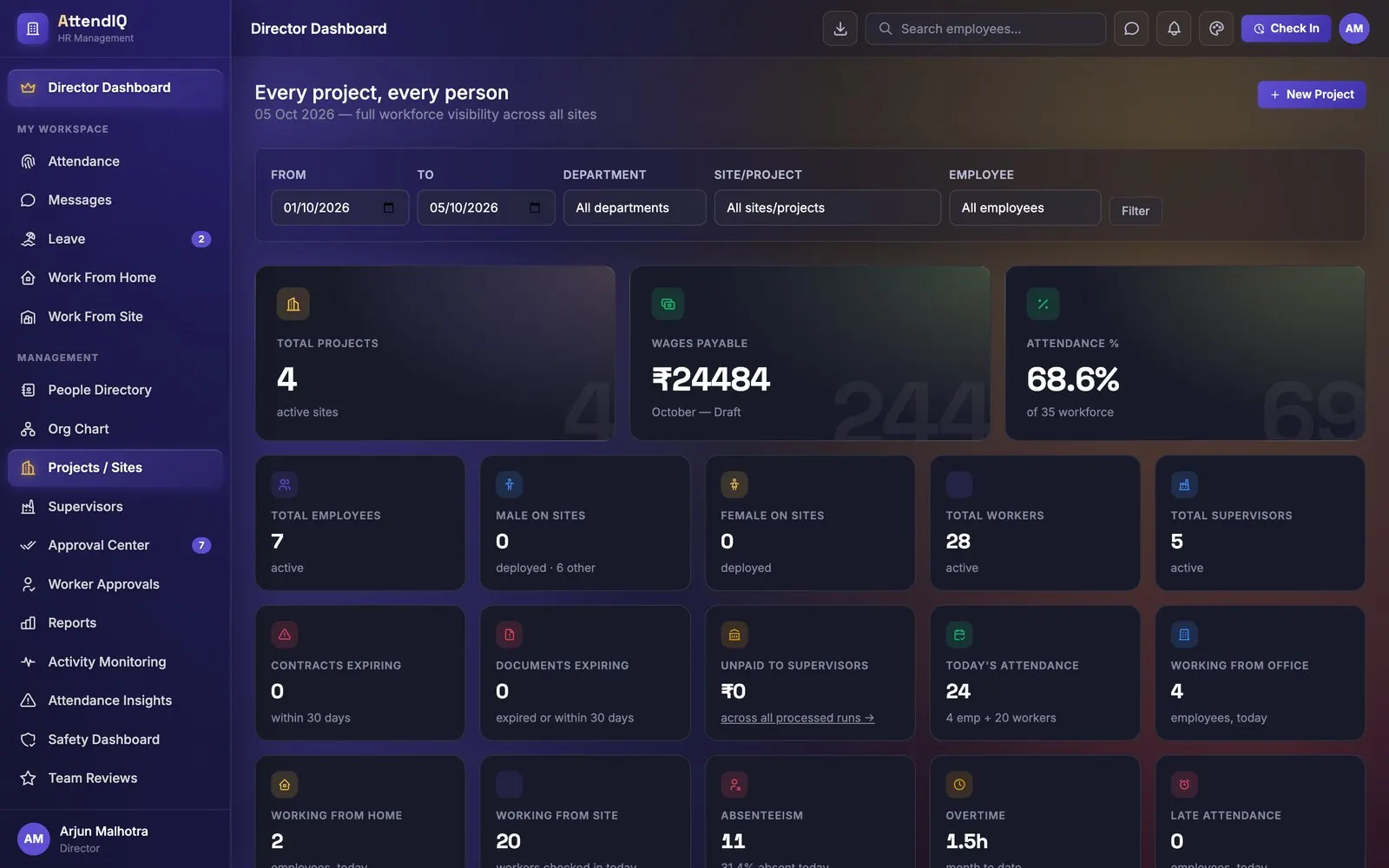
Projects, payroll, GST and P&L in one dashboard.
Site QR check-in with photo and geofence, labour and contractor management, daily-wage runs, payroll and progress reports for construction firms.
How it works
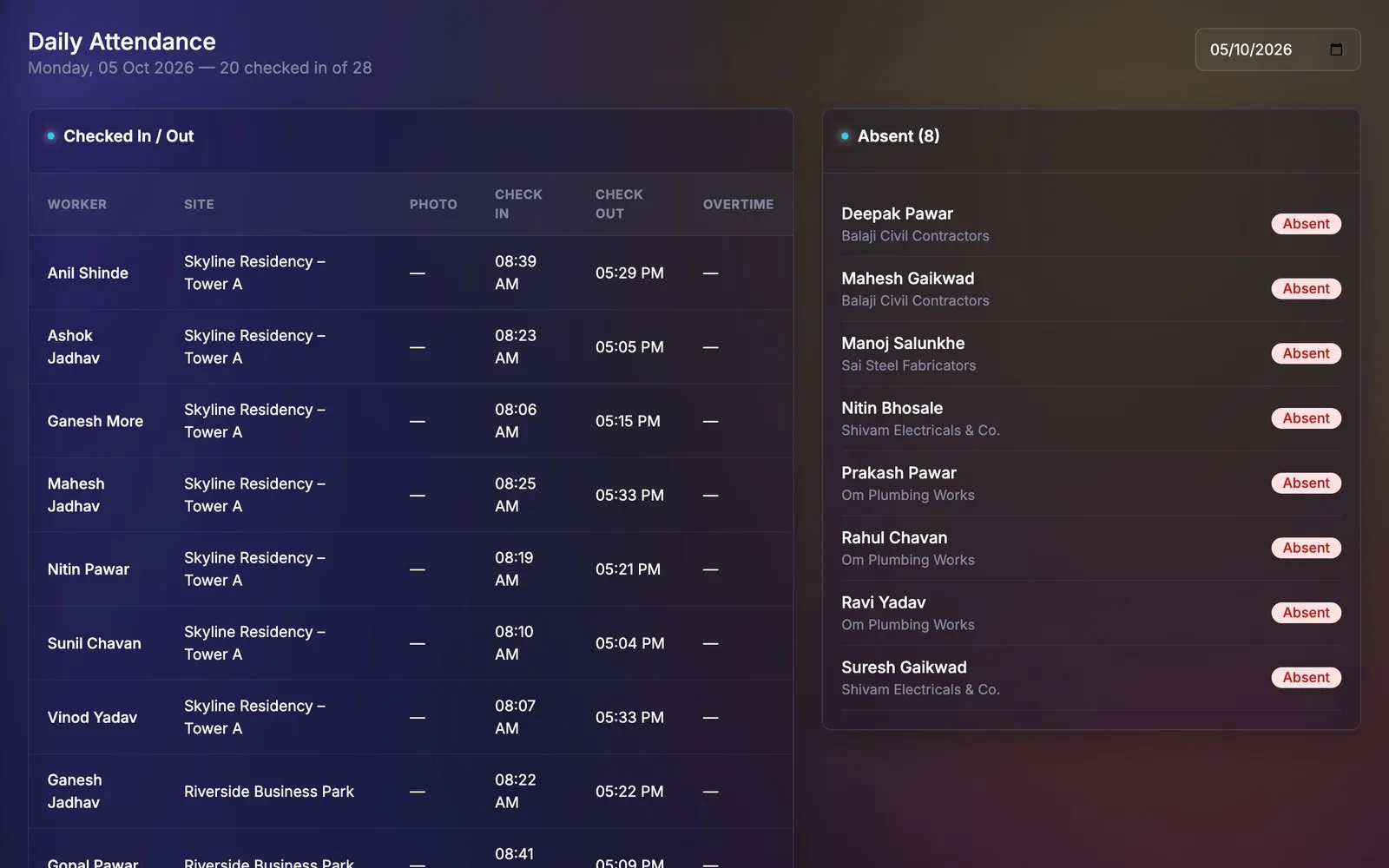
No login needed. Workers pick their name at the kiosk.
Selfie and geofence are checked before the punch is saved.
Supervisors and PMs clear exceptions site by site.
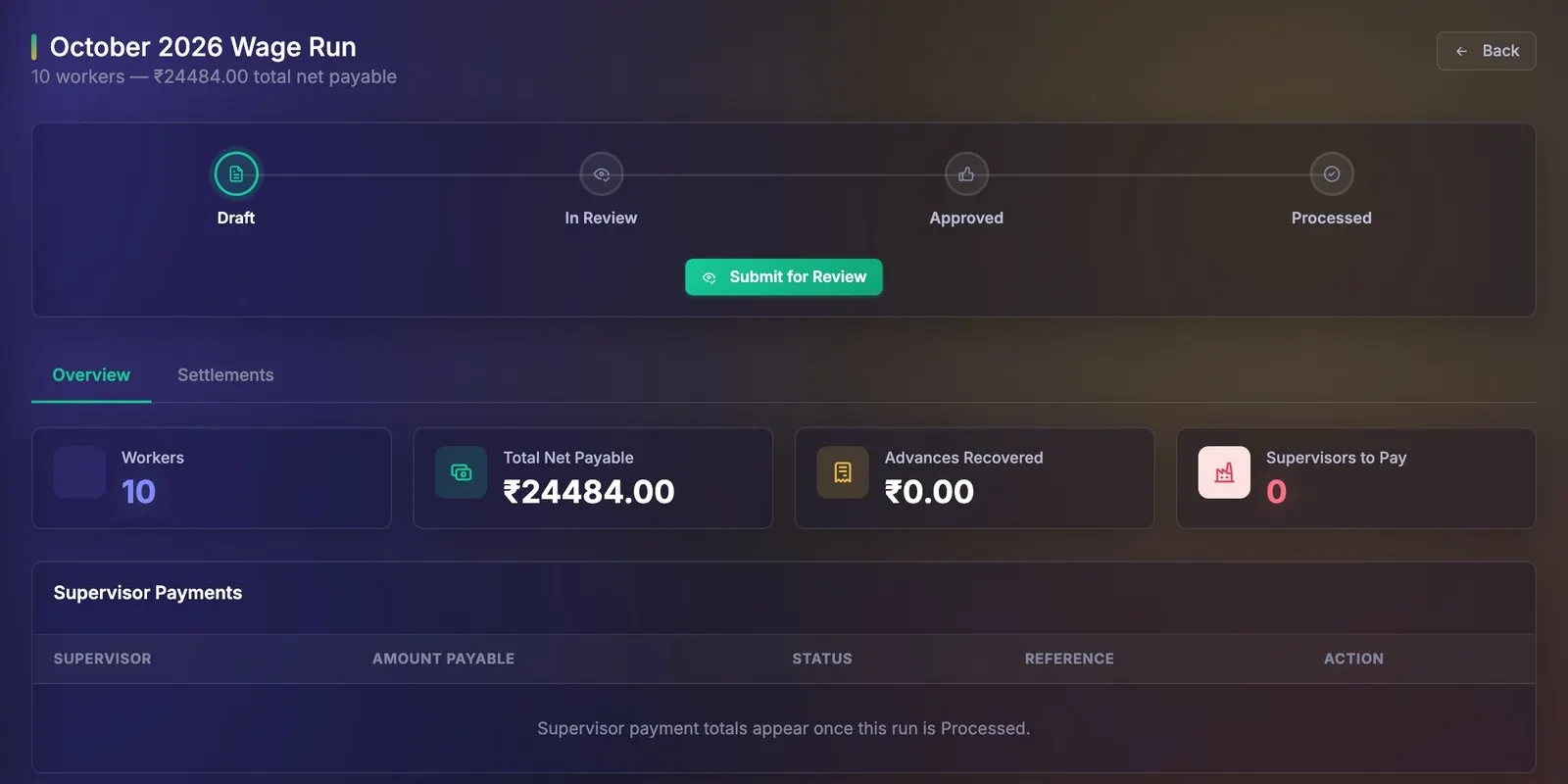
Daily wage × days present + overtime − advances, per worker.
PM approves, the director processes. Every step is audit-logged.
Product tour
Features
Rotating code, photo and geofence; live feed in English and Hindi.
Skilled, semi-skilled and unskilled workers, by contractor and site.
Wages, overtime and advances, approved HR → PM → director.
Salary structures, PF, ESI, TDS, payslip PDFs and bank files.
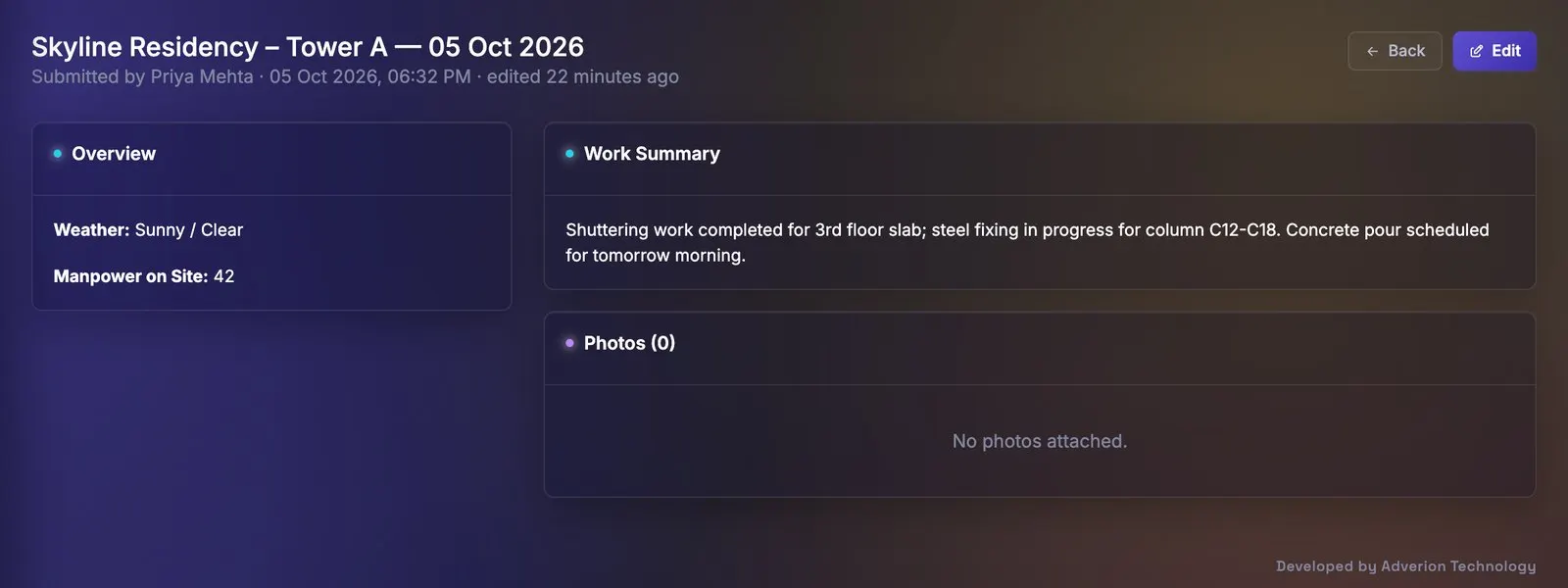
Weather, manpower and photos per site, with a client portal.
Incidents reach the right PM and director automatically.
| AttendIQ CivilYou are here | AttendIQView edition | |
|---|---|---|
| Best for | Construction sites and contractors | Offices and branches |
| Check-in | Web, mobile, biometric + site QR with photo | Web |
| Roles | 7 incl. contractor and director | 4 |
| Pay | Payroll and daily-wage runs | Attendance-ready exports |
| Site work | Projects, progress reports, safety | — |
Live demo
A 30-minute walkthrough with our team, shaped around how you work today.
No. Workers scan the QR code shown on the site kiosk, choose their name and take a photo. The code rotates every 20 minutes, so a saved picture of it stops working.
Yes. Workers are grouped by contractor, site and skill category, and each wage run calculates daily wage, overtime and advances before HR, the project manager and the director sign off.
Yes. ZKTeco and Hikvision devices can push punches alongside QR, web and mobile check-ins.
Each customer gets a dedicated, white-labelled instance, on-premise or in your own cloud.
Related
Finance
Projects, payroll, GST and P&L in one dashboard.
People & Workplace
Reception, visitors and office ops, in one app.